A happy place to learn and play, with no ads.
Letters, numbers, drawing, music, stories and pretend play for kids ages 3 to 7. Every instruction is spoken out loud, so little ones who can't read yet can play on their own.
Free. No account, no sign-up, nothing to download from an app store.
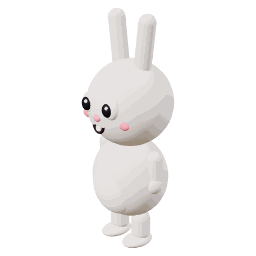
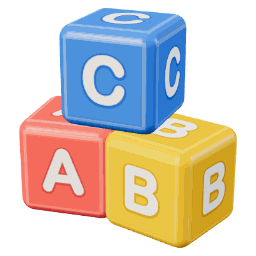


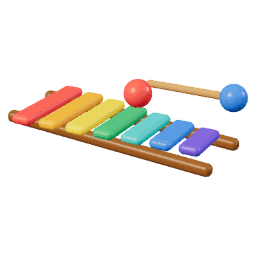
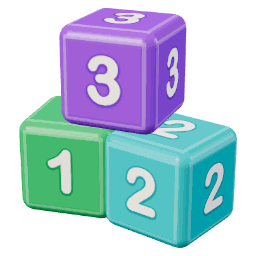
See it in action
Big buttons, friendly 3D toys and a kind voice that explains everything.
What's inside
More than 60 games and activities, with new holiday fun through the year.

Learn
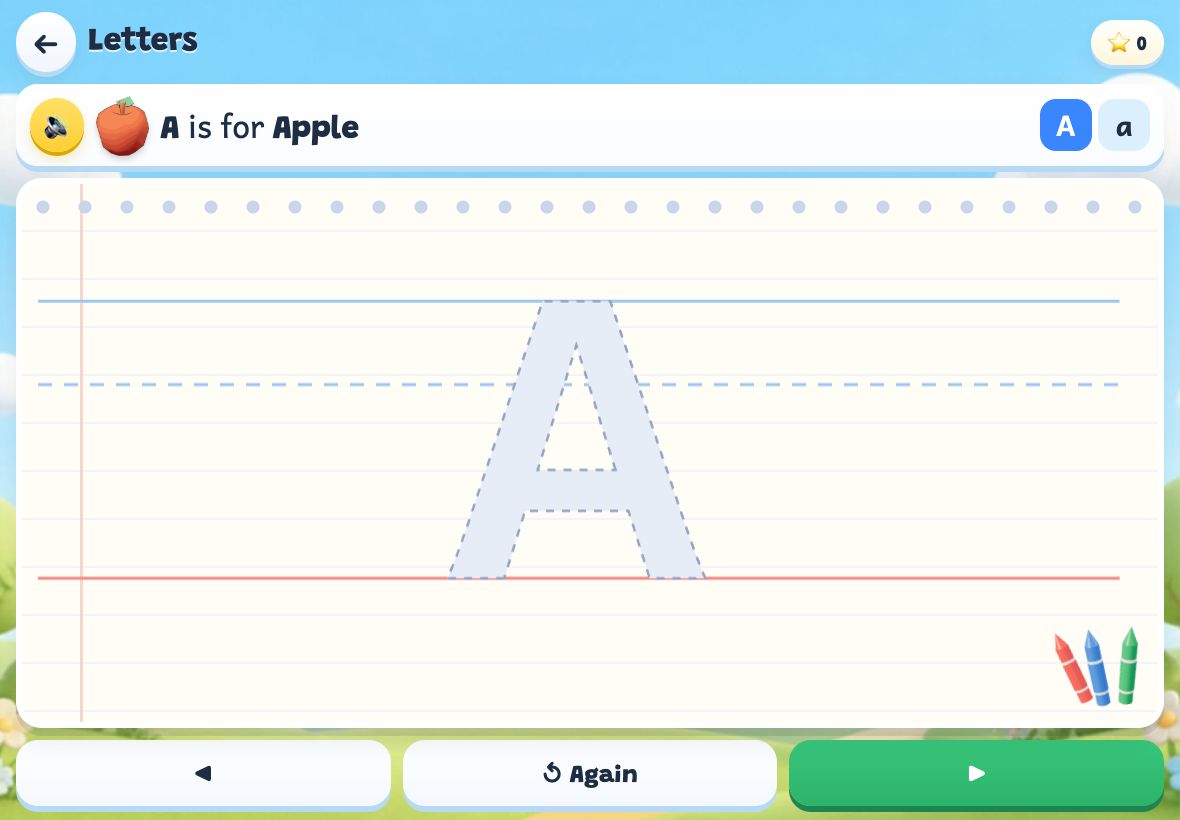
Trace letters, numbers and their own name. First sounds, shapes, patterns, rhymes, telling time.



Games
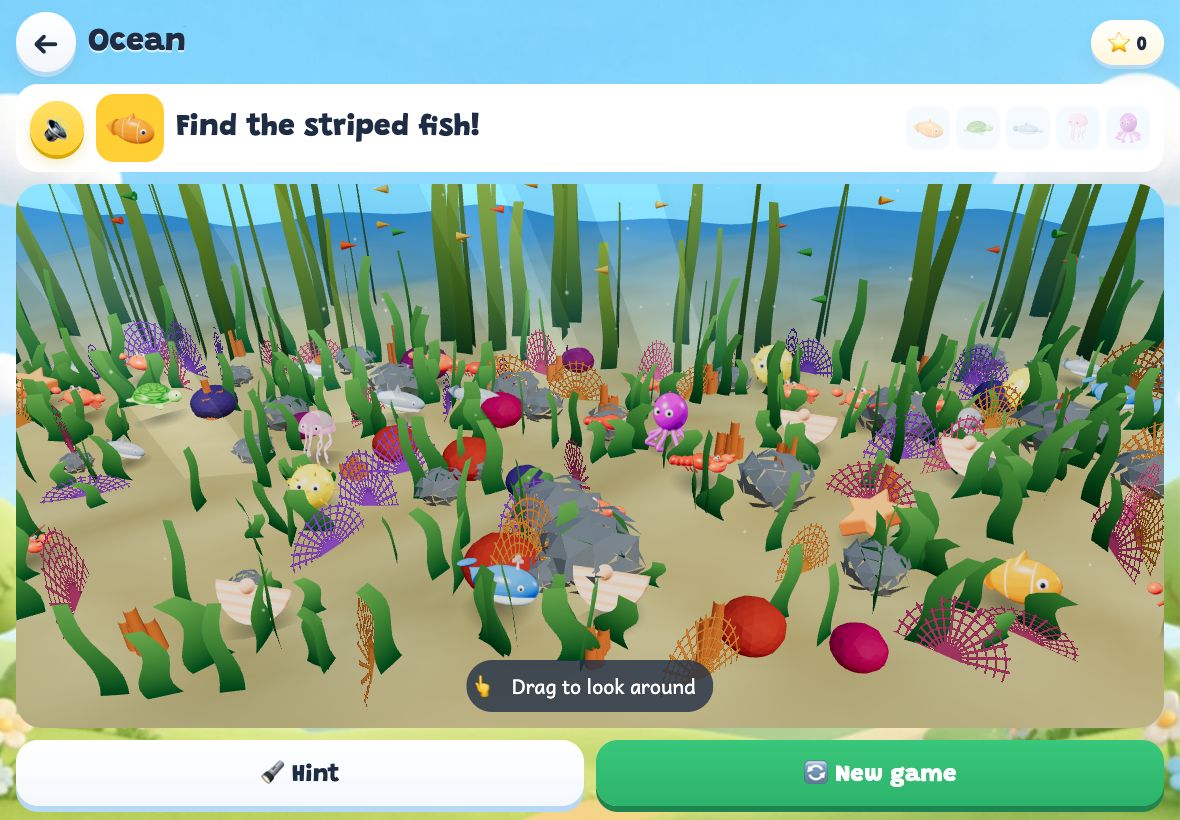
Memory, seek and find, puzzles, mazes, bubble pop and gentle board games against a buddy.



Play
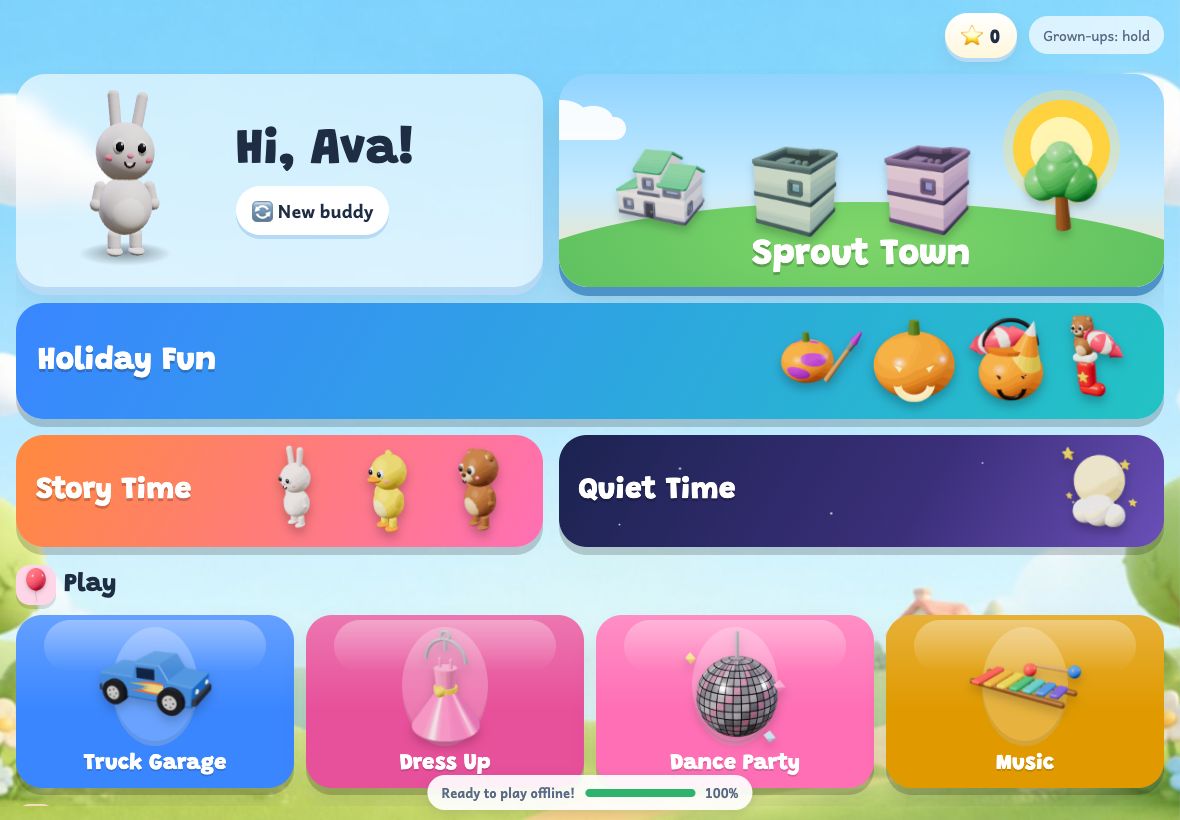
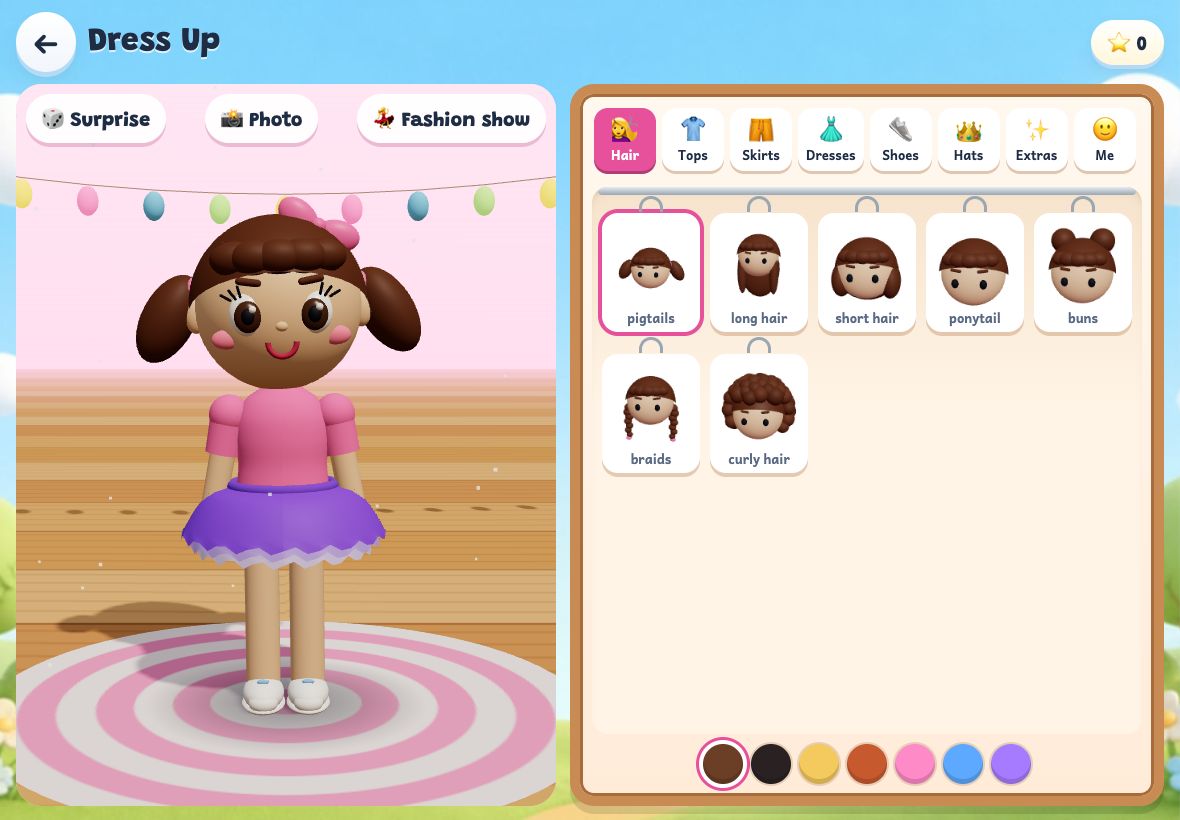
Build a truck, dress up a doll, play the xylophone, throw a dance party.



Make
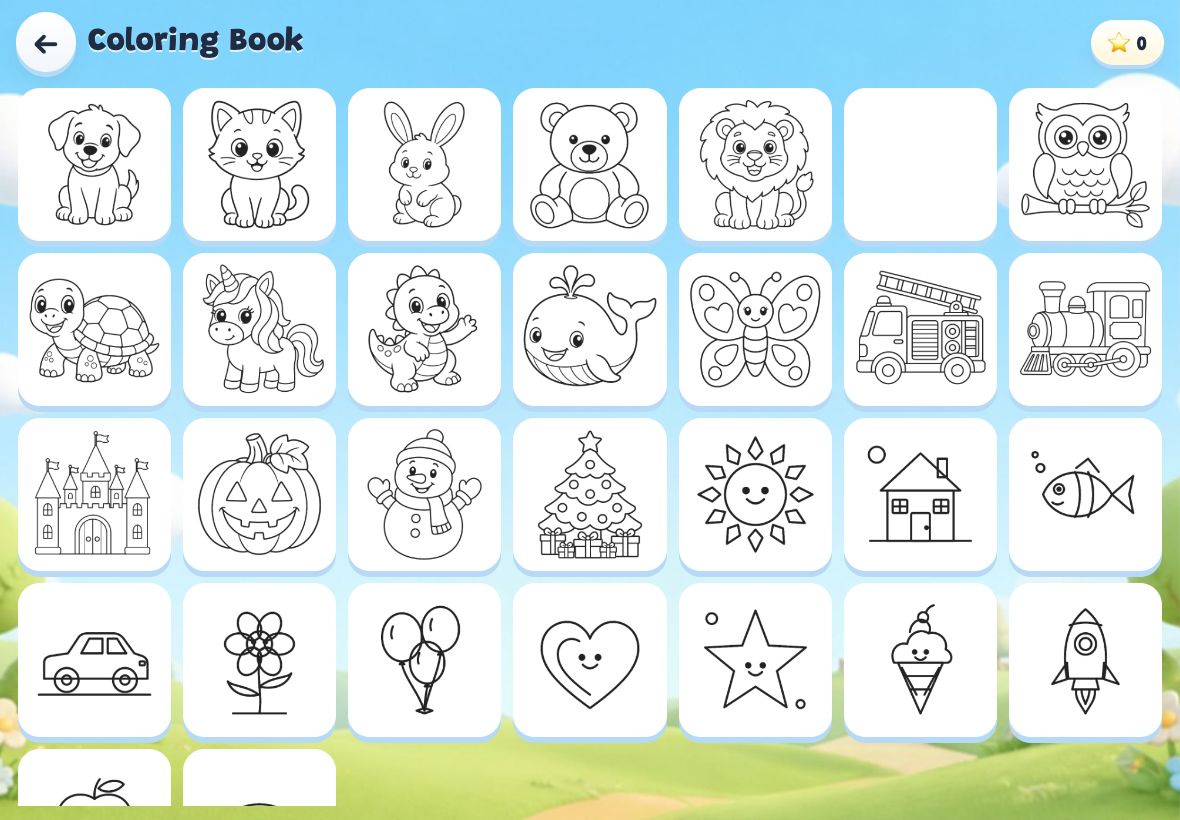
Draw, color pages, fill a sticker book, and watch their drawings swim in a fish tank.

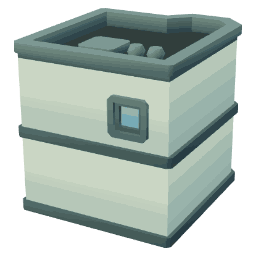
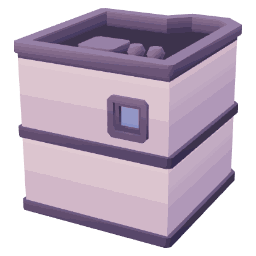

Sprout Town
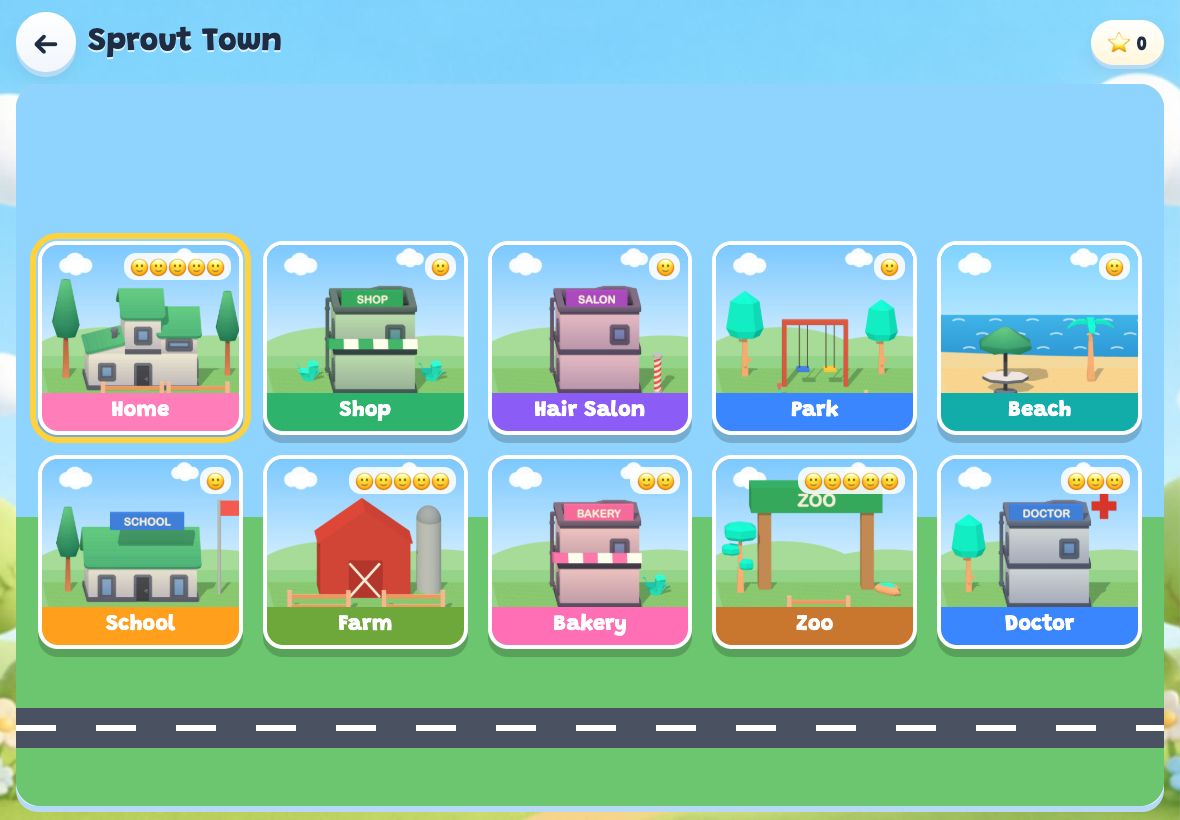
An open-ended pretend world with ten places to visit: home, park, beach, farm, zoo, doctor and more. No goals and no scores, just play.
Our promises to grown-ups
Sprout was made for our own kids first, so it is built the way we wanted.
Getting started
Takes about a minute.
- Tap "Set up Sprout"
Enter your child's first name, age, and a 4-digit PIN you pick. The name is used for the "write your name" game and for cheers.
- Add it to your home screen
iPad or iPhone: tap Share, then "Add to Home Screen". Android: open the browser menu, then "Install app". It opens full screen like a regular app. Step-by-step help.
- Let it finish downloading
The first time, Sprout saves its voices and pictures for offline play. A small bar at the bottom shows when it's ready.
- Grown-up settings: hold the button
Press and hold "Grown-ups" in the top corner for 2 seconds. That's where you set play time, add another child, or check the weekly report.
Say hello
Questions, comments, suggestions, or an idea for a new game? We'd love to hear from you, and we read every note. Ideas from kids are welcome too!